


Settings & Daily Limits
Instant control and flexibility over your Card Spending
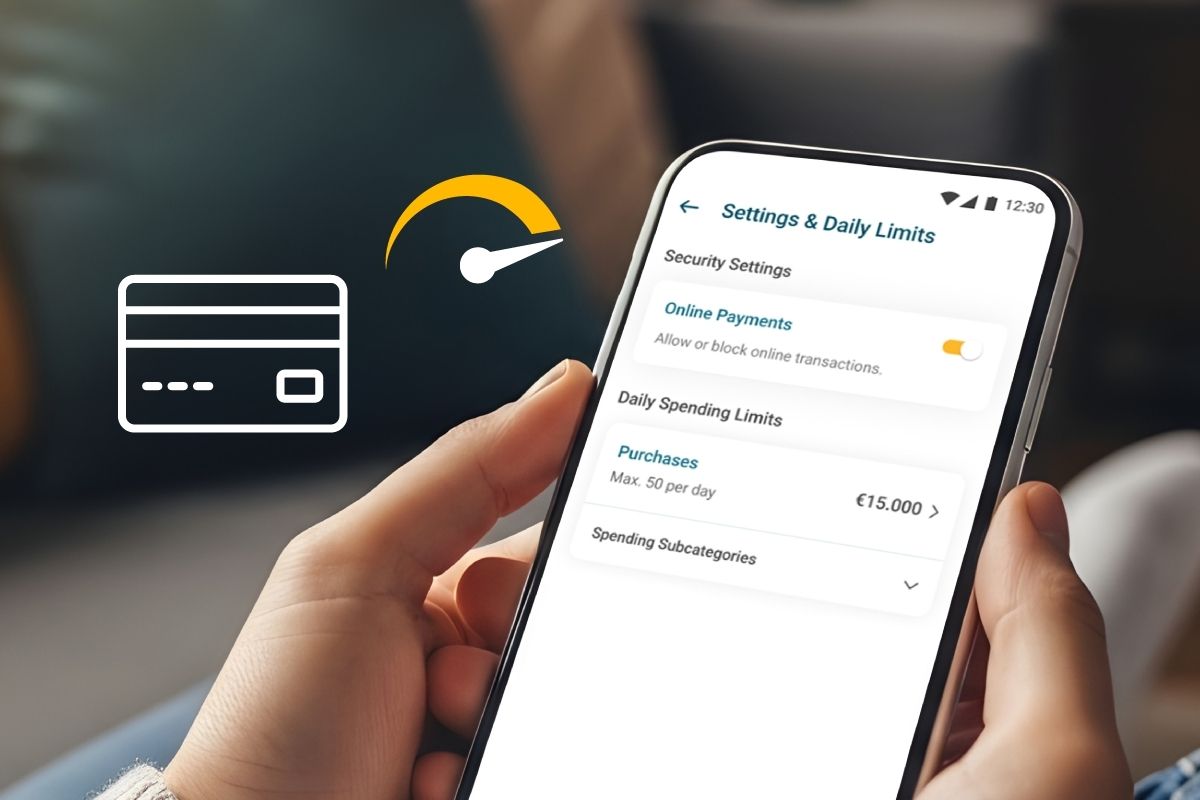
Set the maximum daily amounts you can spend using your personal card, as well as the duration of your selections, through the BoC Mobile App. With the new “Settings & Daily Limits” feature, available under “Cards”, you maintain direct control over how much you spend, whenever and for as long as you need, in just a few steps.
With the new feature, you can:
-
 Adjust your card’s daily purchase limits,
up to a maximum of €30,000
-
Apply your selections
for a period of up to 15 days
-
Allow or block the use of your card
for online transactions
-
Avoid visiting a branch or contacting the Bank by phone
-
Benefit from the immediate application of your selections
How to set up your Card Spending Limits
- Sign in to your BoC Mobile App
- Select “Cards”
- Choose the personal card you wish to manage
- Tap “Settings & Daily Limits”
- Adjust your Daily Purchase Limits and/or their Duration, and allow or block Online Payments
- Enter, after reading the Disclaimer, the One-Time Password (OTP) sent to you via SMS to verify and apply your selections instantly.
More Information
-
They allow you to enable or disable online payments with your personal card at any time. They also allow you to adjust, for a specific period, your daily purchase limit per card.
Note: All personal cards are issued with online transactions enabled). Permitted limits: Maximum €30,000 (USD 36,000, GBP 27,000), minimum €1 (USD 1, GBP 1).
-
You can select a period from 1 to 15 calendar days. At the end of the selected duration, the daily purchase limit automatically reverts to the default amount of €15,000. At present, this functionality applies only to Purchases, with a maximum of 50 transactions per day.
-
Personal cardholders.
-
You can adjust the card’s daily spending limit (amount), and the duration for which this limit applies (number of days). The number of daily transactions cannot be modified.
-
No, the following products are excluded:
- VISA Youth Culture Card
- JOEY (BoC Junior)
- Visa Prepaid (minors)
- Fleksy
-
For cards in currencies other than Euro (USD / GBP):
- Limits are set in the card’s billing currency
- No conversion to Euro is applied
-
- The transaction is declined
- You’ll receive a Card Alert (Push notification or SMS) explaining the reason for decline
- The message will guide you to adjust your limits via the BoC Mobile App or to contact the Call Centre or visit a branch.
-
Yes, you can select “Reset to default” to immediately restore your card limits to the Bank’s default amounts.
Warning:
Transactions exceeding the set daily limit of a personal card will be declined.
Card transactions are subject to the Bank’s internal security limits, which may be amended from time to time. Transactions are approved provided that the amount is within the limits you have set and that sufficient available balance exists. The Bank reserves the right to revise these limits at any time in accordance with its Policies.