


Card Transaction Limits
Full control of your card spending - instantly, wherever you are
Manage your card spending easily and securely through the bank’s digital channels. With the new Settings & Daily Limits feature, you can temporarily adjust your daily card spending limits in just a few taps — without visiting a branch or contacting the Call Centre.
Whether you’re planning a high‑amount purchase, travelling, or simply want better control of your spending, this feature is designed to support you when you need it most. Any change you make is applied instantly.
What’s new
Personal cardholders can have better control of their daily card spending limits directly through digital channels. Under Cards, a new category Settings & Daily Limits is introduced, giving you greater flexibility, convenience and control over how your card is used.
With this feature you can:
-
 Adjust your daily card spending limit
quickly and easily
-
Apply changes temporarily,
for a period of up to 15 days
-
Enable or disable online payments
for your card for online transactions
-
Avoid branch visits and phone calls
-
Have changes take effect instantly
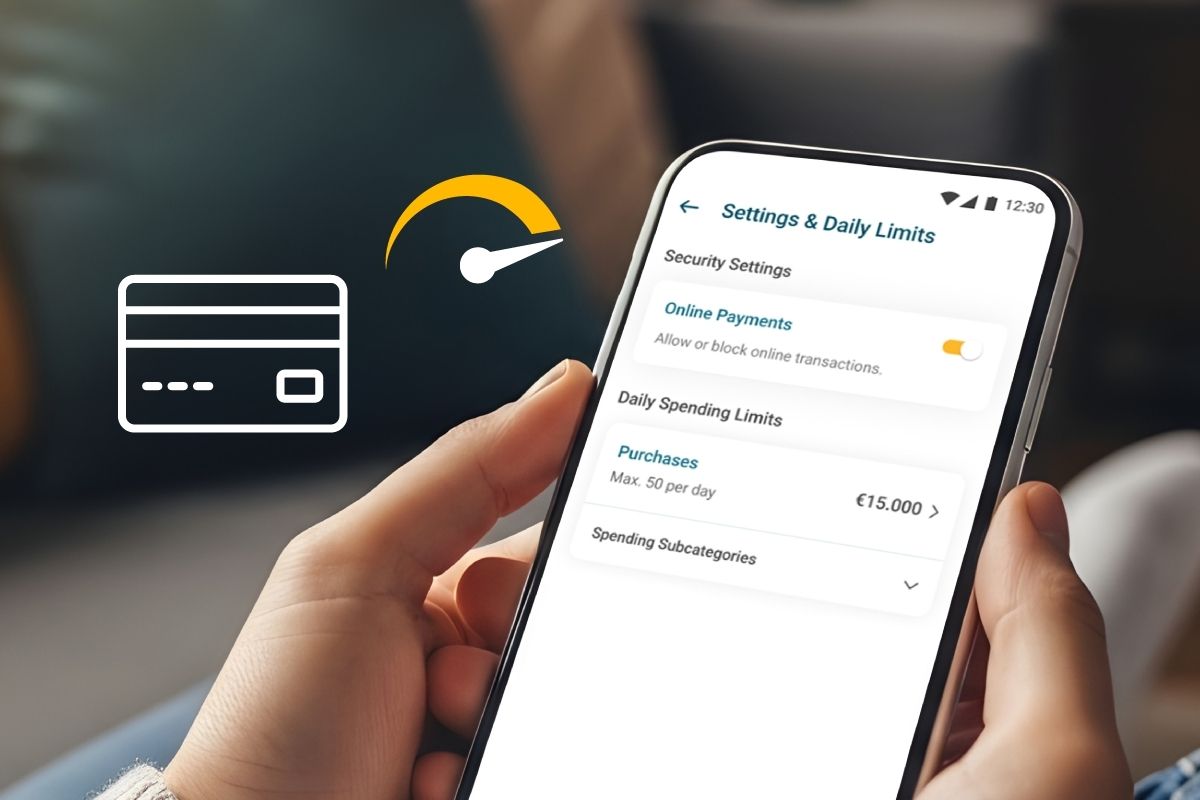
Purchases exceeding the limit set will be declined.
What you can manage in the app
- Online transactions
You can enable or disable online payments for your card at any time.
Please note: All personal cards are issued with online transactions enabled by default.
- Daily card spending limits (Purchases)
Through the digital channels, you may temporarily modify the daily purchase amount per card as follows:
Purchase amount
- Increase up to €30,000 (USD36,000, GBP27,000)
- Reduce down to €1 (USD 1, GBP 1 )
Duration of change
- Select a period from 1 to 15 calendar days
The daily spending limit applies to a calendar day and resets at the end of each day.
Currently, this feature applies to Purchases only. When the selected period ends, the card’s daily purchase limit automatically reverts to the predefined limit of €15,000.
How it works – step by step
- Log in to digital channels
- Select Cards
- Choose the card you wish to manage
- Tap Settings & Daily Limits
- Manage Online Payments and/or Daily Purchase Limits
- Enter the new limit and the desired duration
- Review the informational message displayed
Your card transactions are subject to the Bank’s internal security limits, which may change. Transactions are allowed if the amount is within your set limits and your available balance is sufficient. The Bank may revise its internal security limits at any time, in line with its policies.
- Enter the One Time Password (OTP) sent via SMS to confirm the change.
- Once confirmed, the updated limit is applied instantly
More Information
-
It is a feature that allows individual cardholders to view and temporarily adjust their daily card spending limits through the digital channels under Cards → Settings & Daily Limits, without contacting the Bank.
-
Individual (personal) cardholders.
-
You can temporarily adjust:
- Daily card spending limit (amount)
- Transaction validity period (number of days)
The daily number of transactions cannot be changed.
-
Limits can be increased temporarily to the maximum up to €30,000 for up to 15 calendar days.
-
Up to 15 calendar days
-
No. The following products are excluded:
- VISA Youth Culture Card
- JOEY (BOC Junior)
- Visa Prepaid (Minors)
- Fleksy
-
For non‑EUR cards (USD / GBP):
- Limits are set in the card’s billing currency
- No EUR equivalent is displayed
- A notification is shown indicating that foreign exchange (FX) rates and any applicable fees may affect the authorisation of the transaction.
-
- The transaction is declined
- You receive a Card Alert (push or SMS notification) explaining the reason
- The message guides you to adjust limits via the Mobile App or contact Call Centre and / Branches.
-
Yes. You can select “Change to Default” to immediately restore the limits of your card back to the default limits set by the bank.