


Visa+ – Instant International Money Transfers
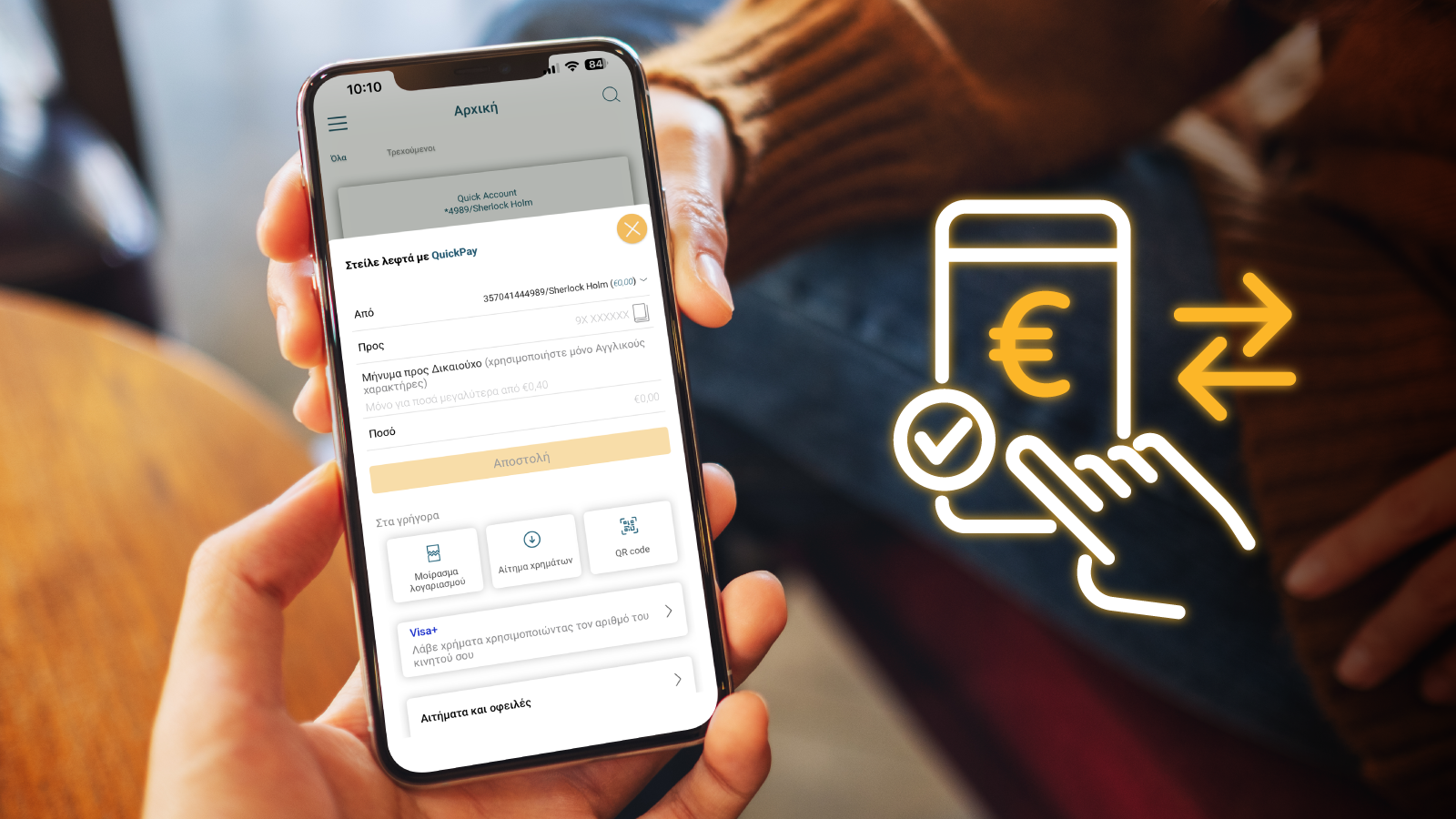
Visa+ is a new service that allows you to receive money quickly and securely using only your mobile phone number. It is available exclusively to individuals over the age of 18 through the BoC Mobile Banking app. Corporate accounts and cards are not supported.
-
 Simplified transfers:
Receive funds with your mobile number instead of a bank account
-
Enhanced Security:
Your account or card details aren't shared—only your mobile number is needed
-
Speed:
Visa+ delivers fast, easy money transfers
More information
-
To register for Visa+, you must:
- Be a customer of Bank of Cyprus.
- Hold an active Bank of Cyprus account or card, which will be set as (or linked to) the preferred payment method.
- Be subscribed to the 1bank service with a valid User ID and Passcode, in accordance with the accepted 1bank Terms & Conditions.
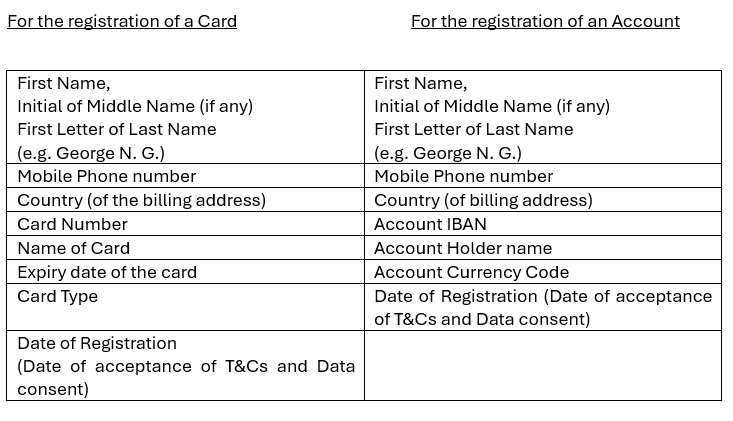
- Accept the Visa+ Terms and Conditions and provide consent for the sharing of required data with Visa, as part of the registration process.
-
Transfers via Visa+ are typically processed instantly, with funds becoming available to the recipient immediately after the transfer. In rare cases, processing may take up to 30 minutes.
-
Only your mobile number is needed for the transfer. Bank details aren't required.
-
All Visa and MasterCard personal cards and all accounts (other than loans and Fixed Deposit accounts) support the service.
-
Through BoC Mobile App under Quick Pay Section.
You must be a QuickPay registered user in order to register to the Visa+ service. -
You may link up to ten cards and accounts. However, only one may be designated as your Preferred card or account for receiving credited funds.
You may update your Preferred card or account at any time via the BoC Mobile App. -
If your card or account is already linked to your mobile number, simply go to the Visa+ section and select it as your new Preferred card or account.
-
To continue receiving money with Visa+, log in to BoC Mobile App, go to the Visa+ section and choose one of the following options:
- Add a new Preferred card or account from the 'Add Payment method' tab
- Choose another registered card or account, as your Preferred card or account or
- Delete your profile and register again.
-
You may notify the Bank of your new phone number, or update it through the BoC Mobile App and then register again for the service.
-
If you register with another financial institution after registering with Bank of Cyprus, your Preferred card or account will be updated to reflect the most recent registration.To keep receiving Visa + payments to your Bank of Cyprus Preferred card or account, log in to BoC Mobile App, go to the Visa + section, Add Payment Method and select the card or account you would like to set as your Preferred card or account.
-
You may update your Preferred card or account at any time via BoC mobile app.
-
You may delete your profile in the BoC Mobile App by going to Visa+ and choosing “Delete Profile”. After deletion, your phone number will be unlinked from all Bank of Cyprus cards and accounts, and you’ll stop receiving Visa+ money to BOC cards/accounts.
-
-
Terms and Conditions of the service here